See this link for release notes.
How to update firmware
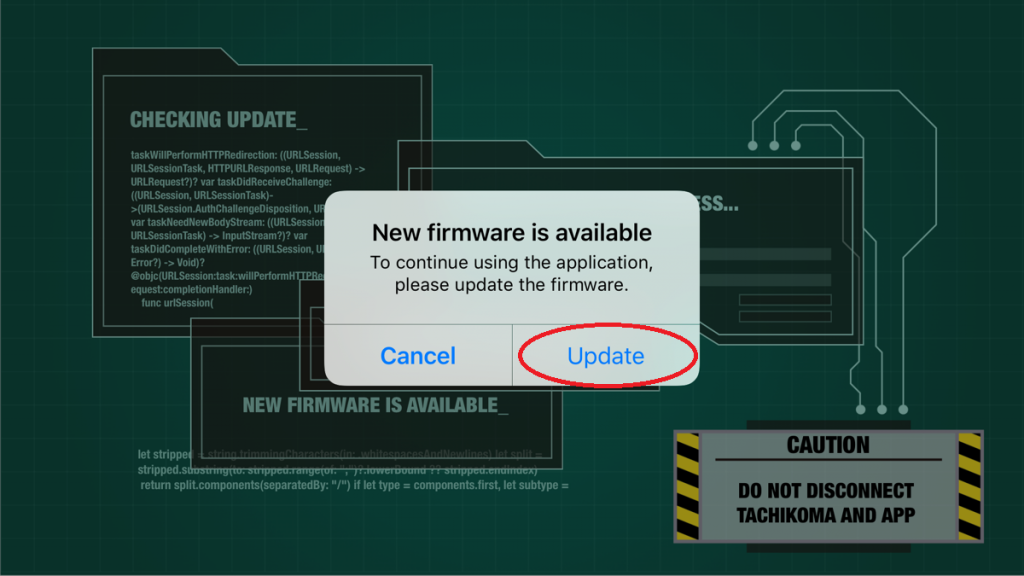
- When new firmware is available, the dialog “New firmware is available” is displayed in the app.
Tap [Update].
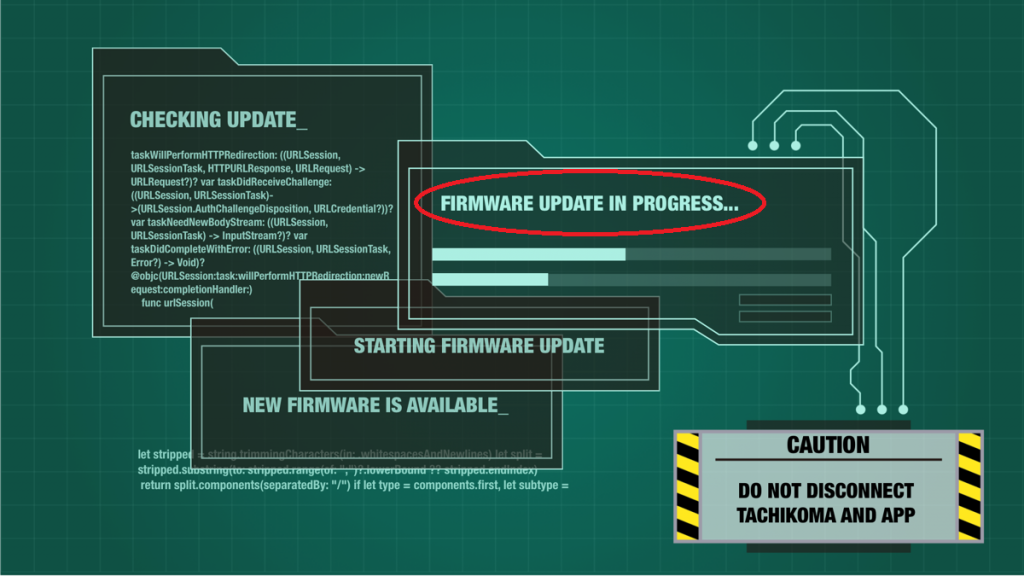
- The message, “FIRMWARE UPDATE IN PROGRESS” is displayed during updating.
Wait until the progress bar is complete.
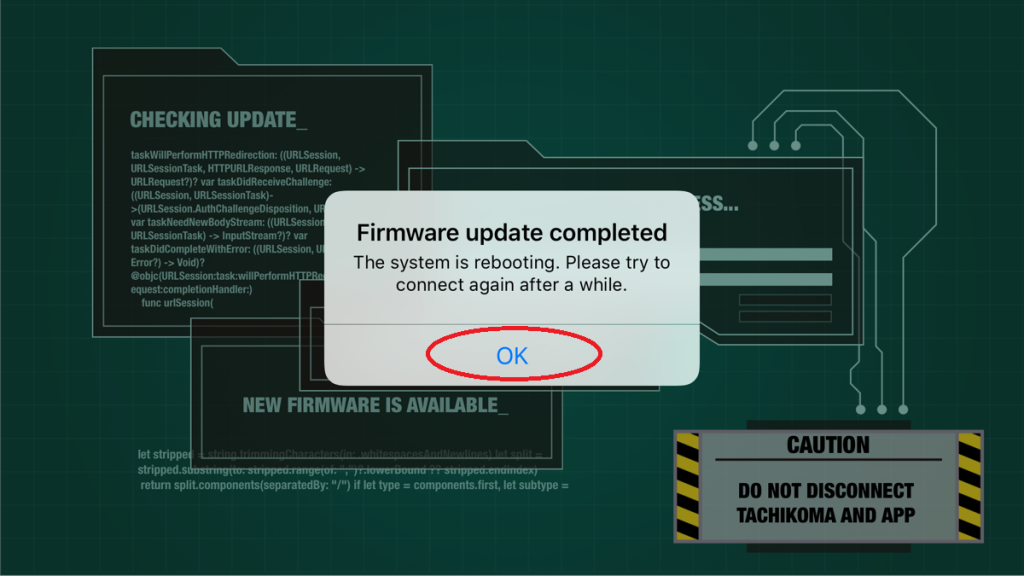
- Tap [OK] when the dialog “Firmware update completed” is displayed to complete the update.