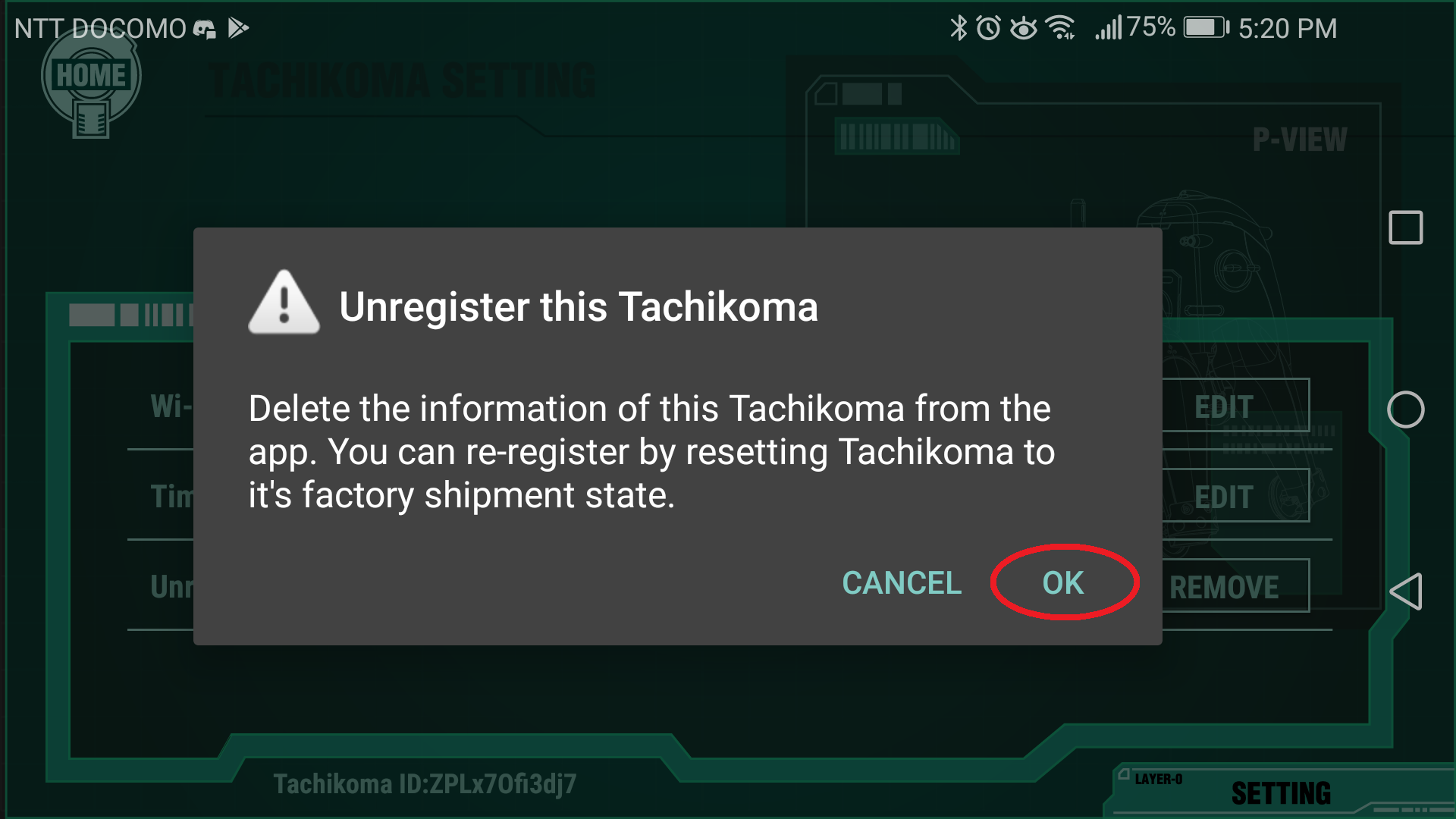
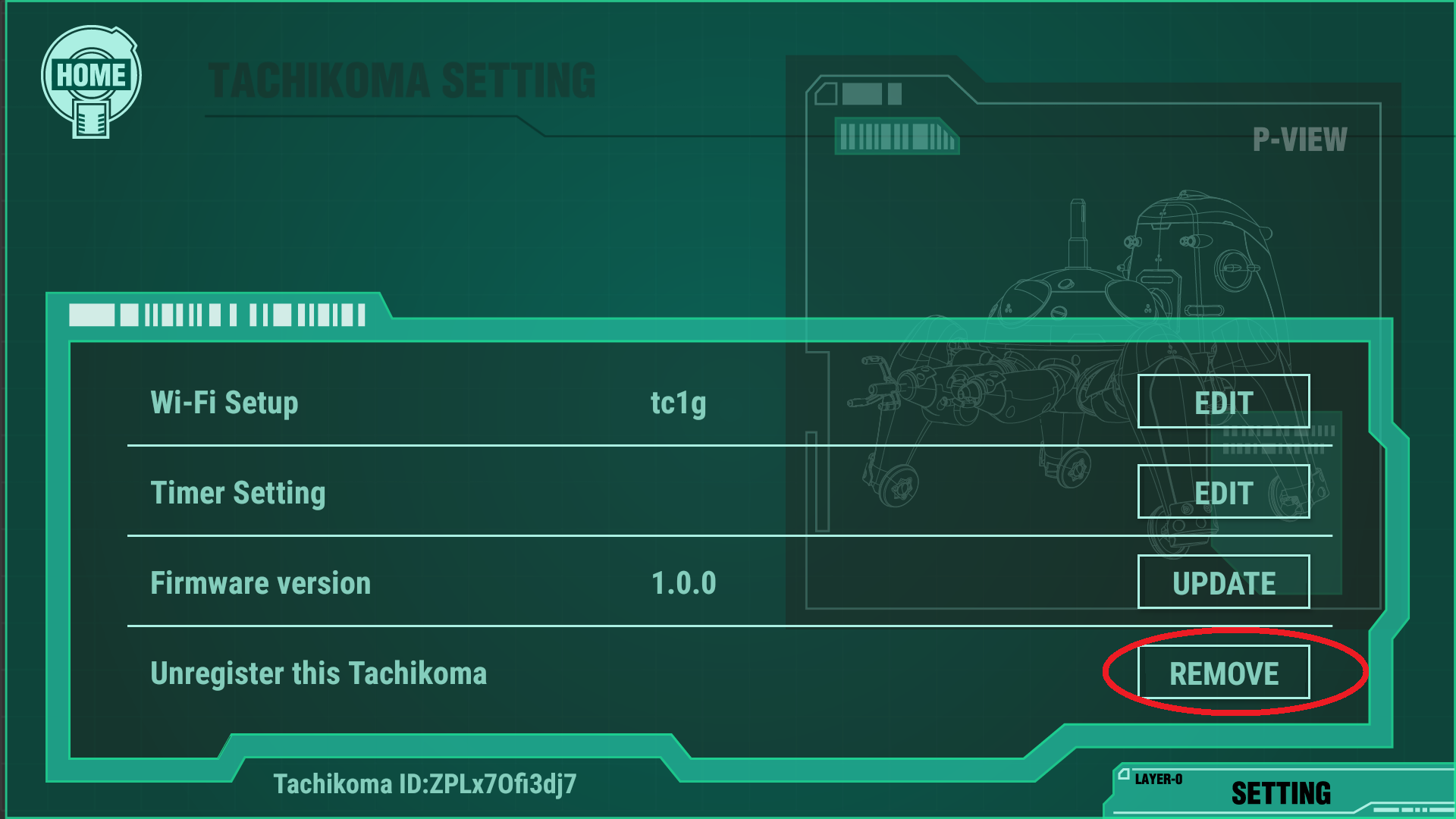
You can delete registered Tachikomas by following the steps below.
Please see “Initial setup” or “How to use multiple units” to re-register the deleted Tachikoma.
- Launch the app and connect to your Tachikoma.
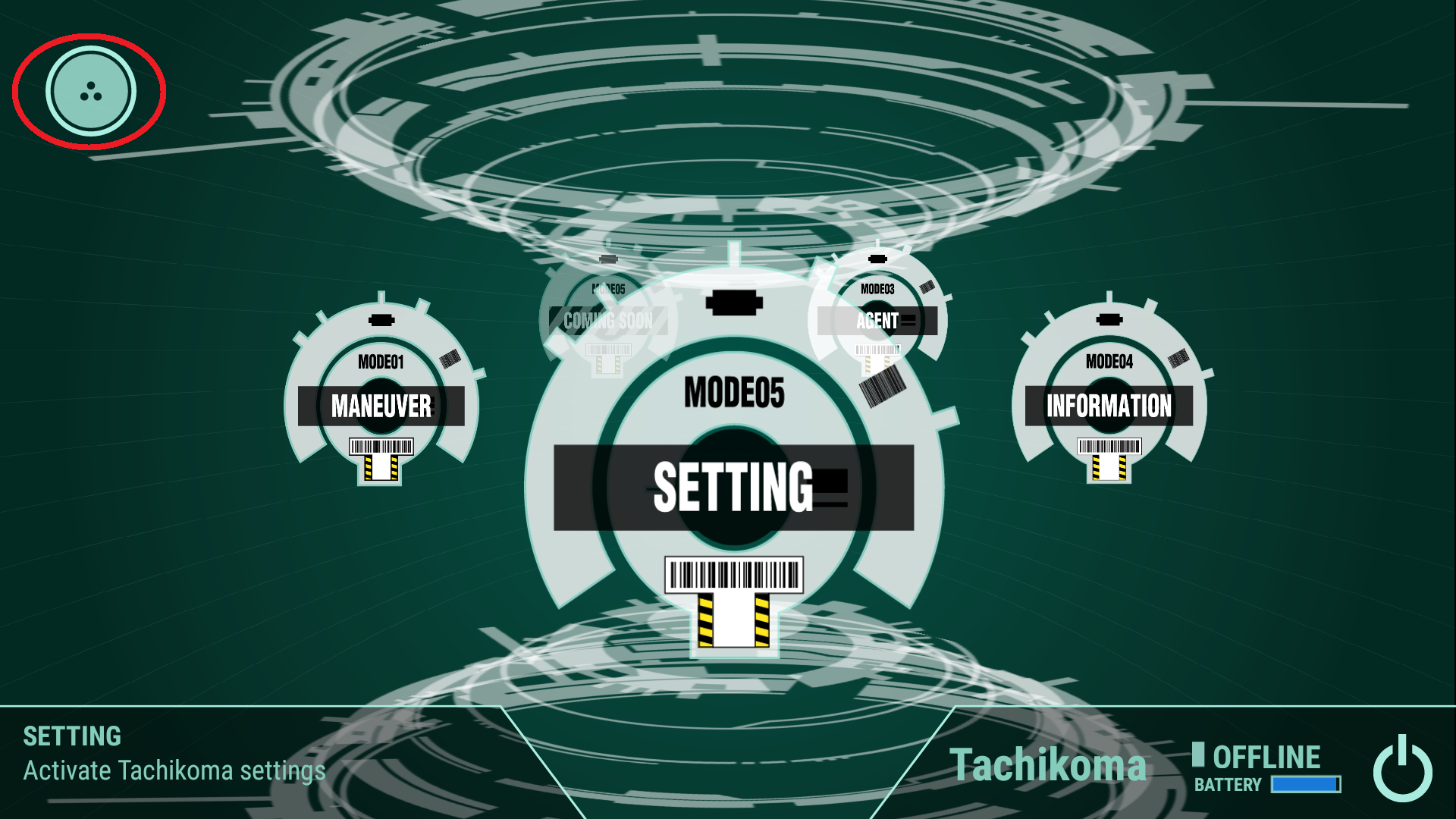
- Tap the icon in the upper left corner.
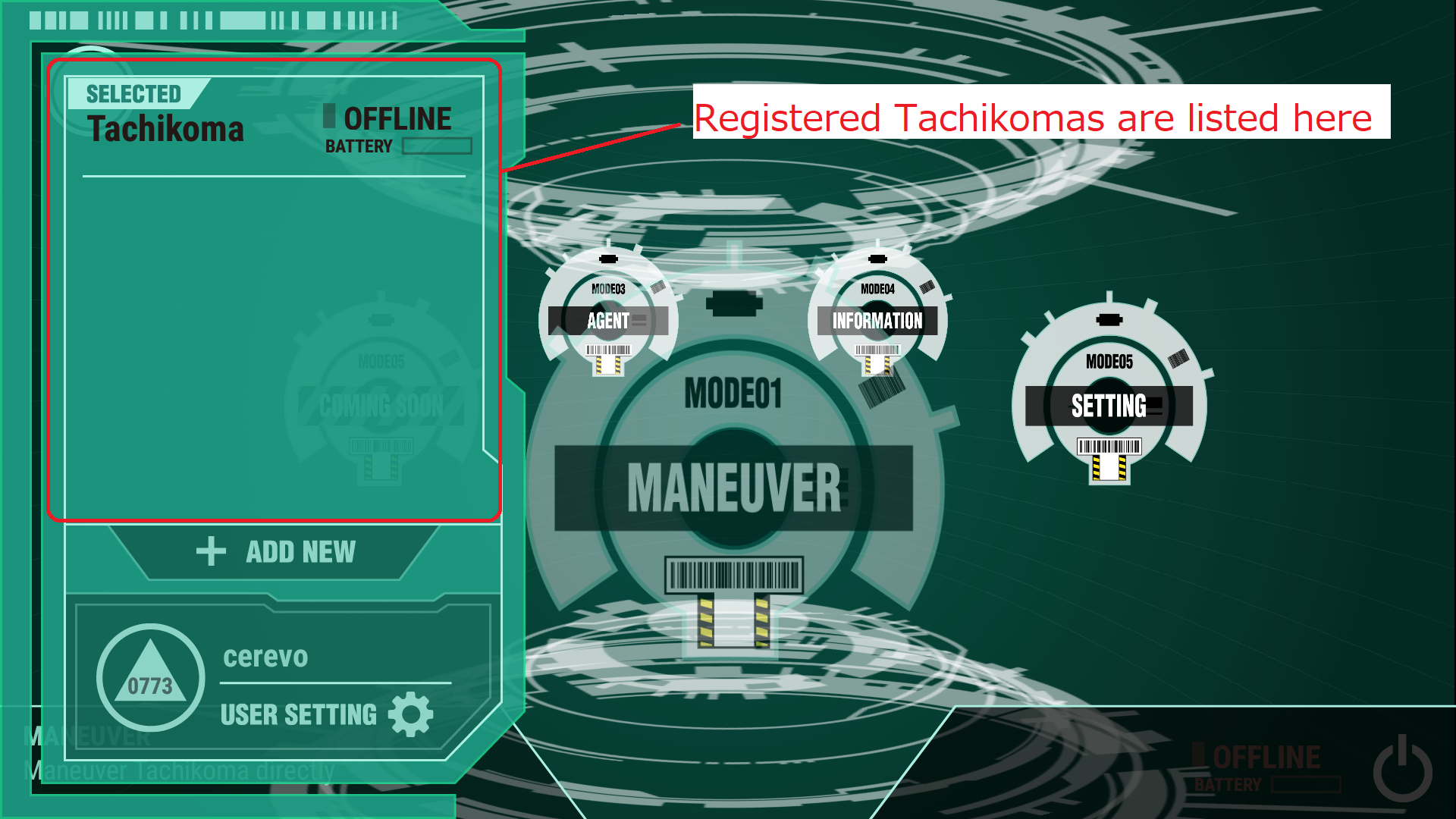
- Select any Tachikoma you want to delete.
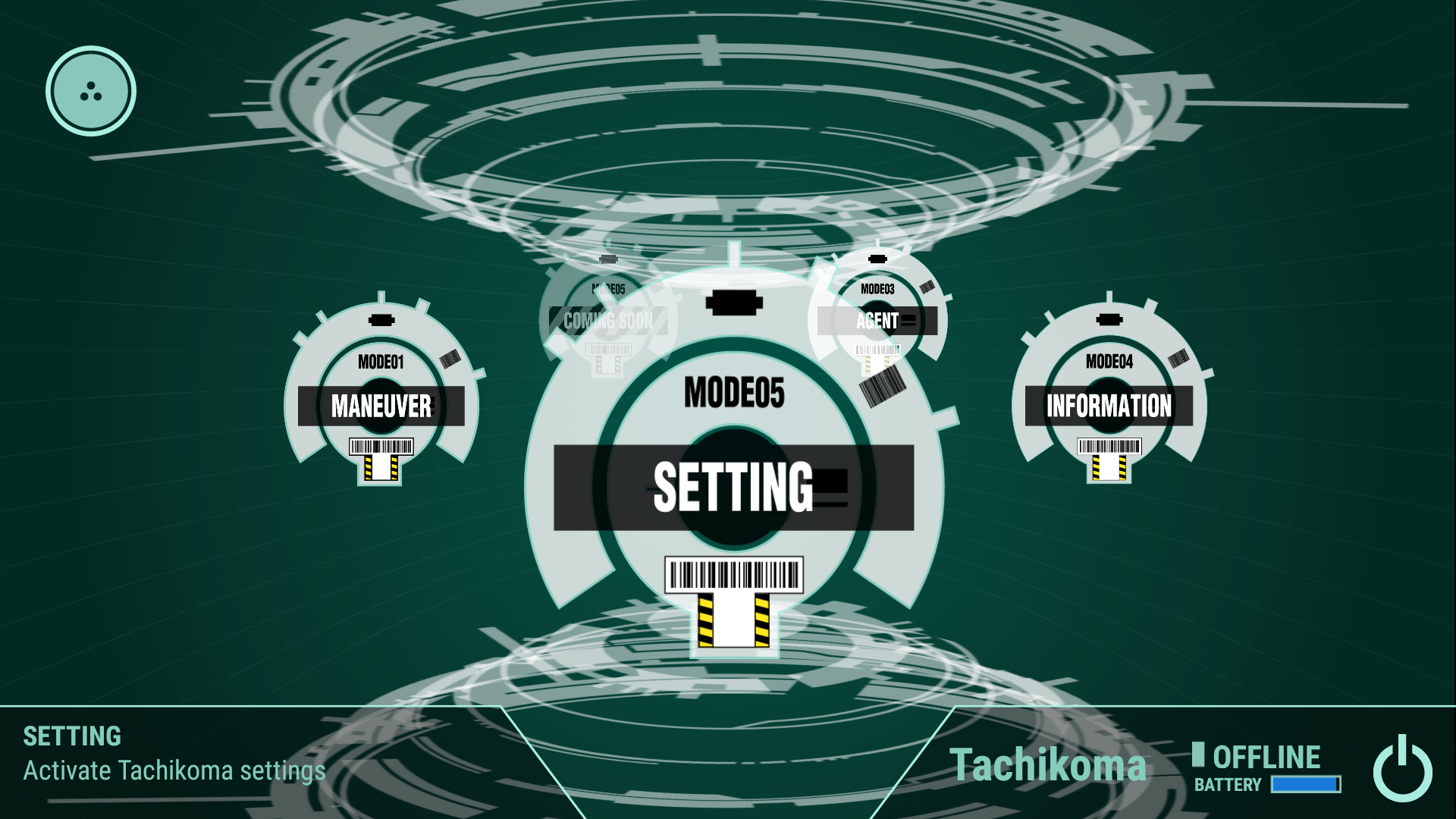
- Tap [SETTING].
- Tap [REMOVE]
- Confirm the message and tap [OK].